




Make Script Writing Easier With Pippit's AI Video Generator

FREE Breaking News Alerts from StreetInsider.com!
StreetInsider.com Top Tickers, 10/28/2026
- Wall Street ends higher as Fed holds key rate steady, focus turns to earnings
- SK Hynix shares surge after Q3 profit beats expectations
- Oil prices rise on Yemen fighting, Saudi refinery attack
- Alphabet stock rises as OpenAI plans to buy Google's TPUs
- Wendy's shares surge 16% on $1.4 billion takeover bid by Nelson Peltz’s Trian Fund
 Tweet
Tweet Share
Share E-mail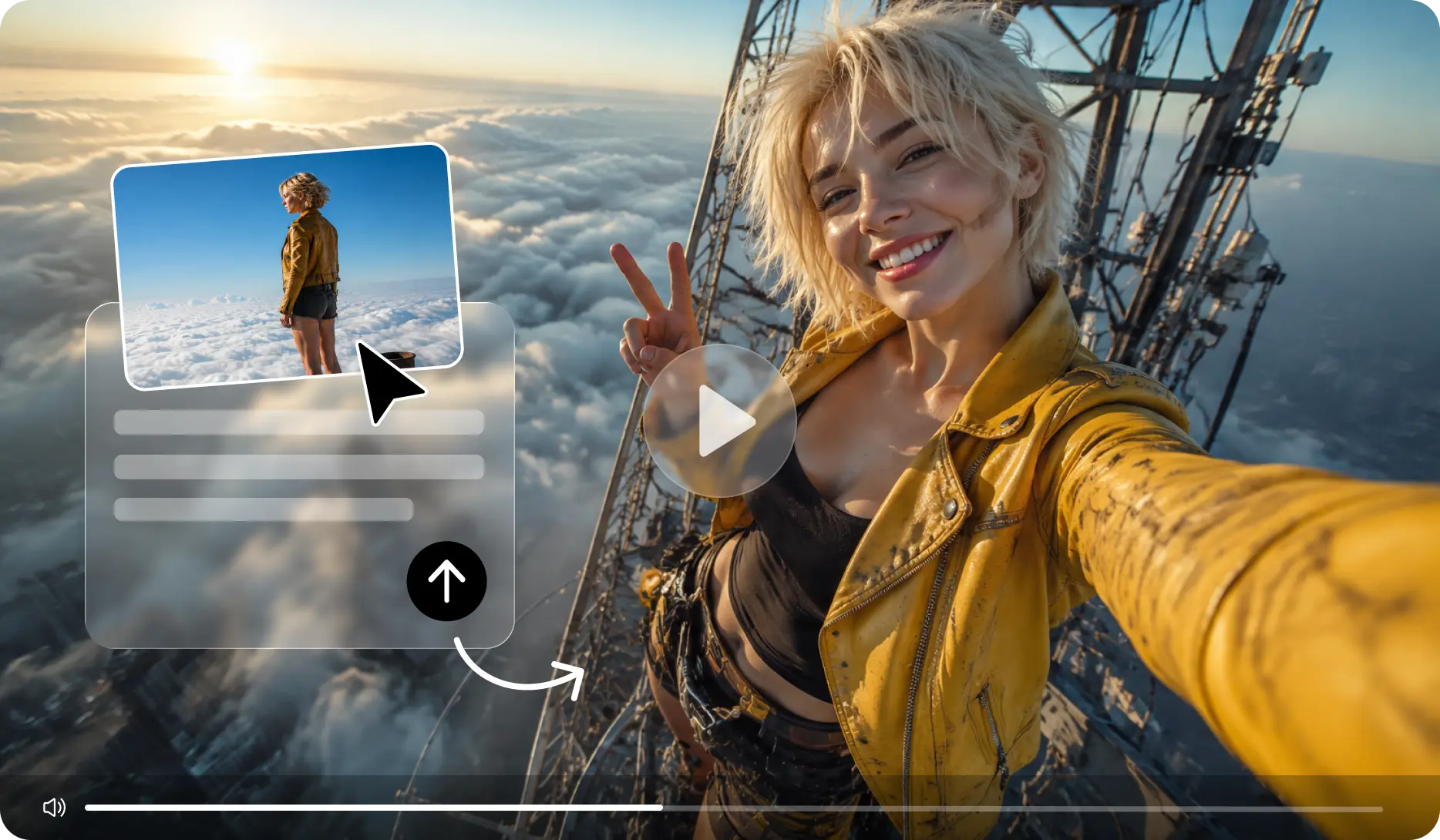
It can take as long to write a script for a video as it does to shoot and edit the video. Ideas require structure, timing, narration, visuals, and a call to action. AI-powered video scripting can convert raw ideas into structured video content in a more efficient manner. Pippit is a workflow designed to link script creation, visual generation, editing, and exporting. Ideas are shaped into usable concepts through the use of prompts, references, models, and controls.
Why Script Writing Can Be the Hardest Video Stage
A good video script is supposed to take a lot of ideas and make them a logical viewing experience. The beginning should have a "hook" to gain attention fast. Information should be developed in each section without repetition. Pacing is important because listeners listen to the words while they are viewing the visuals. Narration needs to sound natural, and calls to action should feel relevant. The time dictates each message in a video script, which requires tighter sequencing. An AI video generator can break down ideas into a narrative and scenes. Human direction still dictates the message, priorities, personality, and creative purpose. Pippit allows you to combine structured scripting with video creation, thereby cutting down on redundant planning.
What Makes an AI-Generated Video Script Effective?
The opening of an effective script sets up relevance. Short sentences help to make narration easier to follow and synchronize. Wording should match the format, platform, audience, and emotional response. Product videos can focus on benefits, and tutorials need better instructional sequences. Visual directions should be used to provide information, not as a repetition of verbal directions. Narration can be used to explain a feature, and the visuals can be used to show how it works. Pippit's AI features enable written instructions to be tied to visual storytelling. References can be used for composition, appearance, movement, and visual consistency. The generated wording still needs to be checked for correctness, clarity, repetitions, and brand terminology.
From Prompts to Complete Audio and Video Concepts
Specific cues provide Pippit with clear direction on the topic, tone, organization, illustrations, and delivery. The desired story, dialogue, ambience, effects, music, tempo, and voice can be described prior to generation. SeedAudio 2.0 takes this workflow one step further by converting text, reference audio, video, or a combination of the three into dialogue, ambience, sound effects, and music. Timestamp controls can be used to set individual dialogue or sound markers for desired time points, and separate tracks give greater flexibility in the editing process. The structured prompts, along with audio and visual cues, allow creators to craft more cohesive video ideas and further develop them in the same process.
Steps to Discover Script Writing Made Easy With Pippit's AI Video Generator
Step 1: Create your video script
- Sign up for Pippit using your Google, TikTok, or Facebook account info.
- Open "More" on the left vertical menu bar and click "Video generator".
- Select an AI model, such as Dreamina Seedance 1.0, Dreamina Seedance 2.0, Dreamina Seedance 2.0 Fast, Dreamina Seedance 2.0 Mini, or Dreamina Seedance 2.5.
- Enter a detailed text prompt describing your video and script idea.
- Select the video length, language, subtitles, and aspect ratio if needed.
- Click "+" to upload reference images or videos from your device, phone, Dropbox, or a link. You can also select assets without reference media.
- Click "Generate" when everything is ready.
Step 2: Generate the scripted video
- After clicking "Generate", Pippit's AI video generator creates a video from your prompt and reference media.
- The AI handles transitions, pacing, captions, avatars, voice, lyrics, and visual enhancements.
- You receive a video draft to review.
Step 3: Edit and export
- Click "Download" in the top right corner to save it. Select "Regenerate" for another version, or click "Edit more" below the video for further customization.
- Edit captions, add text, and adjust size, color, alignment, filters, and effects.
- Add background music, remove backgrounds, and fine-tune the visuals.
- Click "Export" in the top right corner when finished.
- Choose "Publish" to post directly to TikTok, Instagram, or Facebook, or select "Download" to save it with your preferred format, resolution, frame rate, and quality.
Build Better Scripts With Better Prompts
Using vague prompts can result in generic stories, as it doesn't give much of a narrative direction. A practical prompt should specify these elements:
- Subject: Identify the product, topic, character, or central idea.
- Purpose: State if the video is for teaching, promoting, demonstration, or entertainment.
- Tone: Define professional, energetic, friendly, dramatic, or playful delivery.
- Format: Specify the video type, platform, audience, and approximate length.
- Pacing - explain rhythm, changes of scene, pauses, and density of information.
- Visual direction - Describe setting, composition, movement, colours, reference details.
- Hook: Give the first line of the message, which has to create value fast.
- Hierarchy: Identify facts, benefits, or actions that should be emphasized the most.
References add to the visual relevance when important details are not clear from the text alone. The results are improved by iterative prompting, as each generation helps to identify areas that need adjustment. Focus on structure, tone, visuals, and timing rather than relying on one perfect prompt. Pippit unites generation and refinement in one creative workflow.
Plan Spatial Scenes for Stronger Visual Storytelling
When the visual direction of a strong script visually aids the story, it becomes more effective. Pippit can assist creators with planning the environment, character placement, camera positioning, and scene relationships before creating the final video. Seeworld is an example of this more spatial-based method that emphasizes three-dimensional environments, relationships between objects, viewpoints, and planning of the scene. These ideas can help creators think outside of the frame and consider how a whole setting can help develop the story. 3D previsualization can be used to define composition, depth, camera direction, and continuity in practical workflows prior to video generation. This helps to make visual planning more conscious and to maintain a link with storytelling, spatial organization, and creative intentions.
Refine AI Scripts Without Losing Your Voice
Automated drafts are a starting point; they are not the final editorial decision. A human editor will be able to identify incorrect facts, awkward word choice, repeated ideas, and transitions. Brands should be used consistently throughout the narration, captions, titles, and visuals. When creating multilingual content, meaning, tone, cultural, and natural language review is necessary. The original voice should be retained, but it should be made more clear and more fluent. With Pippit, you can refine with adjustable captions, text, visuals, music, effects, and scene elements.
Take a Video From Draft to Publication
Narration, captions, visuals, pacing, branding, and technical settings should be looked at in a final review. The opening should convey the video's utility before it "falls on deaf ears. Captions should be legible and synced to the spoken text. Aspect ratio should be the same as the destination (e.g., vertical social feeds or wide-screen platforms). Review names, numbers, product statements, subheadings, and/or call-to-action prior to export. Pippit's export controls are used to set up the final video for sharing or download.
Conclusion
By structuring ideas beforehand, AI can facilitate script development, which can be challenging if done manually. Pippit is an integrated tool that combines prompting, script writing, generation, editing, and exporting in one workflow. Strong prompts provide direction and good visual context. The human touch still plays a crucial role when it comes to accuracy, clarity, tone, and consistency of brand. With careful planning, rough ideas can be transformed into structured videos that can be published.
COMTEX_492769192/2891/2026-09-16T23:55:18
Serious News for Serious Traders! Try StreetInsider.com Premium Free!
You May Also Be Interested In
- Palmetto Heritage and Atlantic Coast Life Announce Discussions Regarding Potential Acquisition
- Lithium, Location & Long-Term Vision: Elektros INC. (OTC:ELEK) Eyes an American Supply-Chain Opportunity
- Montage Partners Named to Inc.'s Founder-Friendly Investors List for Sixth Consecutive Year
Create E-mail Alert Related Categories
Globe PR Wire, Press ReleasesSign up for StreetInsider Free!
Receive full access to all new and archived articles, unlimited portfolio tracking, e-mail alerts, custom newswires and RSS feeds - and more!
